
WTS CRMFrom product idea to production SaaS.
- Industry
- SaaS / CRM
- Services
- Product strategy, UX architecture, Interface design, Engineering
- Platform
- Web application
Overview
The project
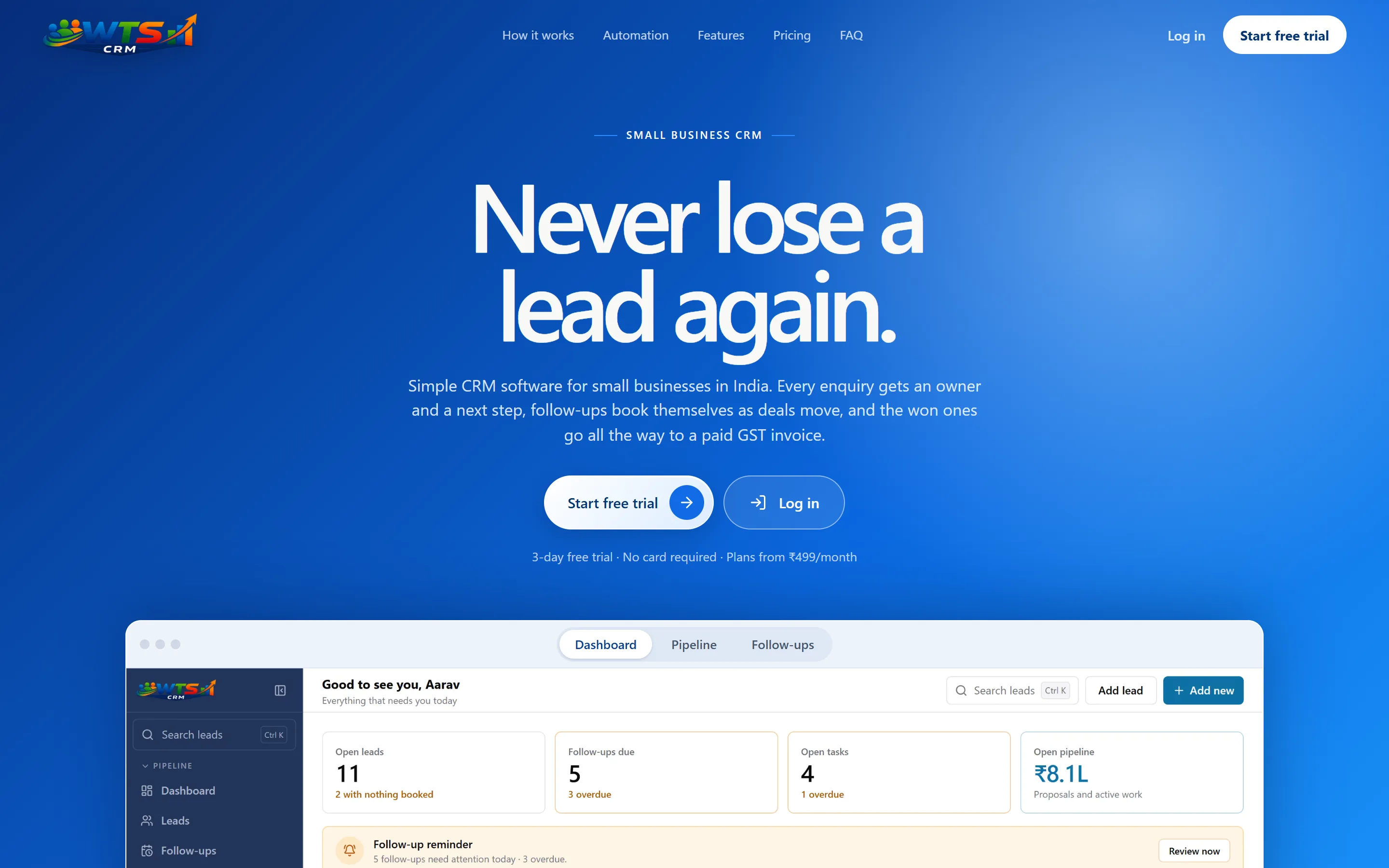
WTS CRM is our own subscription product: a CRM for Indian service businesses that connects leads, follow-ups, quotations, client projects, invoices and payments in one workspace.
We took it from product idea to a live SaaS with tiered plans and a free trial, with strategy, UX, interface design and engineering all done in-house. We do not only design websites for software companies — we design, build and run a software product ourselves.
Visit wtscrm.comThe challenge
What needed solving
WTS CRM is built for service businesses that track leads in WhatsApp and Excel. In that setup, enquiries, follow-ups, quotations, project work and invoices live in separate places, and the next action depends on someone remembering it.
The product had to connect the whole path from new enquiry to paid invoice without turning into a large sales CRM, and it had to work for a solo operator as well as a team sharing one workspace.
Our approach
How we worked
- 01
Product strategy
The scope follows one path — lead, follow-up, quotation, project, invoice, payment — instead of a broad feature list.
- 02
UX architecture
Each lead keeps its contact details, source, value, notes and activity together, so related work is reached from the record it belongs to.
- 03
Dashboard design
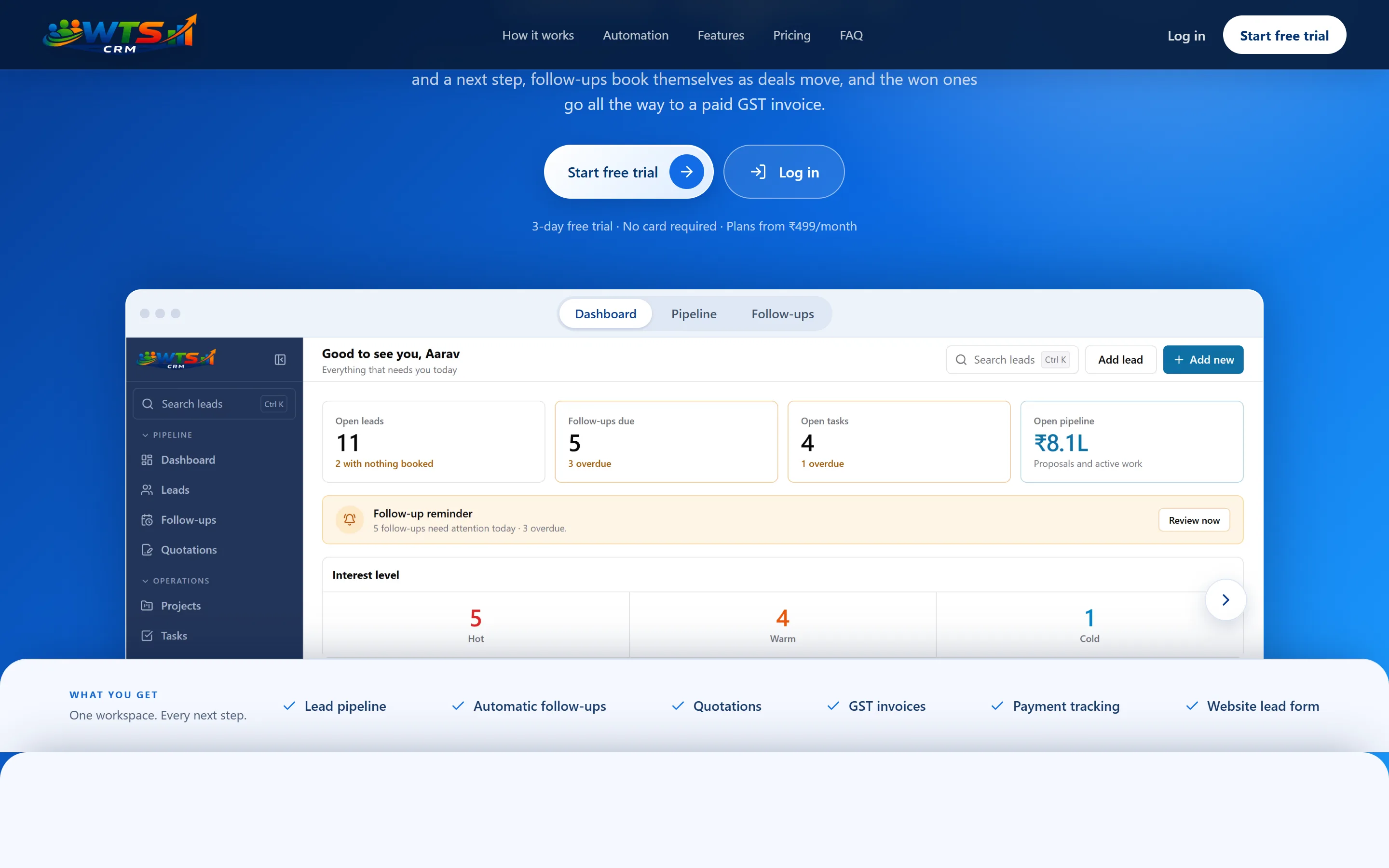
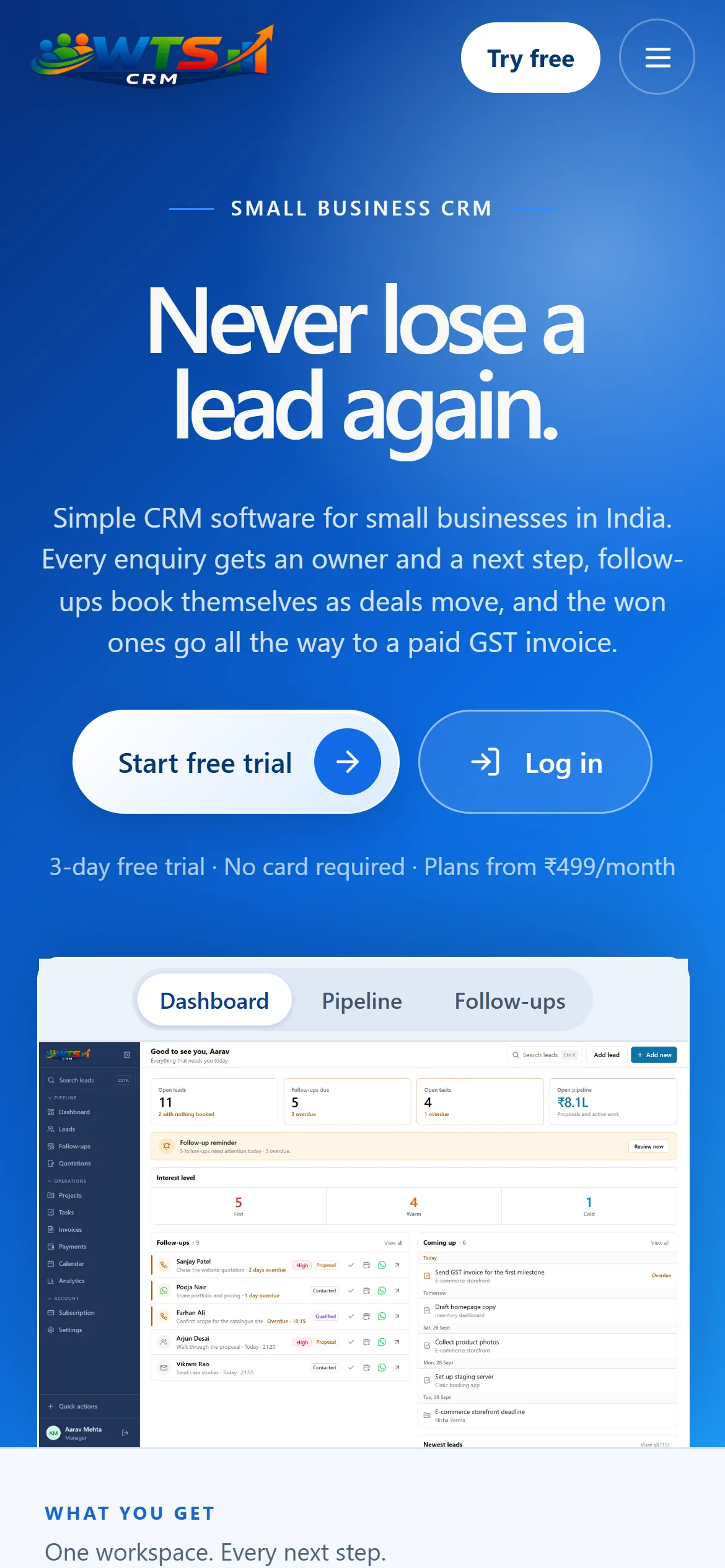
Dashboard and calendar views surface what is due and overdue. Filters and saved views narrow the list to the work for the day.
- 04
Roles and workspaces
Owner, admin and member roles with record assignment, so the same product serves a solo owner and an agency team.
- 05
Plans
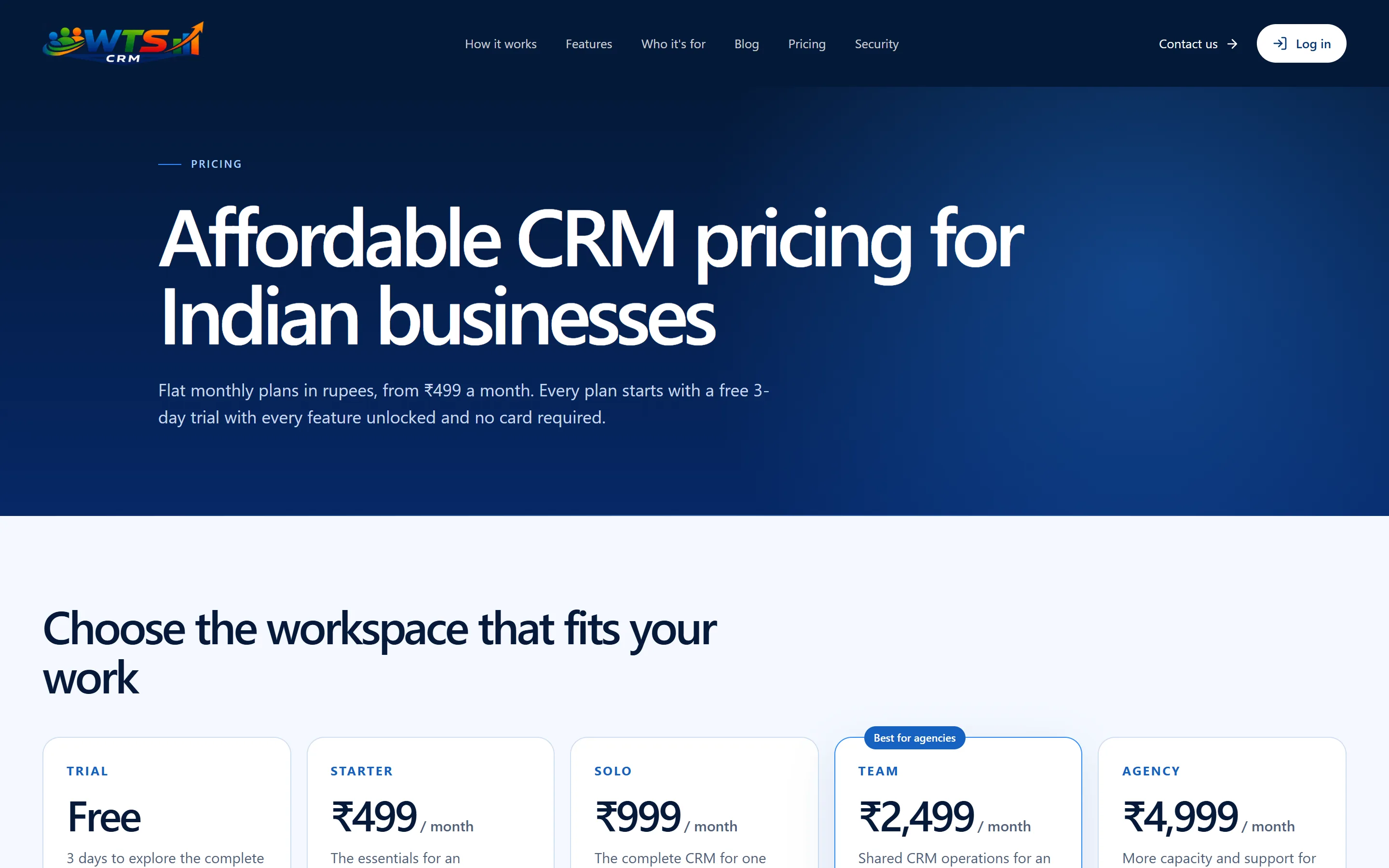
Tiered plans and a free trial, with billing features such as quotations and GST invoicing tied to the selected plan.
- 06
Engineering
Built by the same team in Next.js and React, with workspace data separated at the database level.
UX & information architecture
From problem to interface decision
01 · Problem
Lead details, notes and history are spread across chats and spreadsheets.
01 · UX decision
One record per lead holds contact details, source, value, notes and activity together.
01 · Resulting experience
Leads move through stages, are marked hot, warm or cold, and are found again through filters and saved views.
02 · Problem
The next follow-up depends on someone remembering it.
02 · UX decision
Every call, message, email or meeting records an outcome and books the next action.
02 · Resulting experience
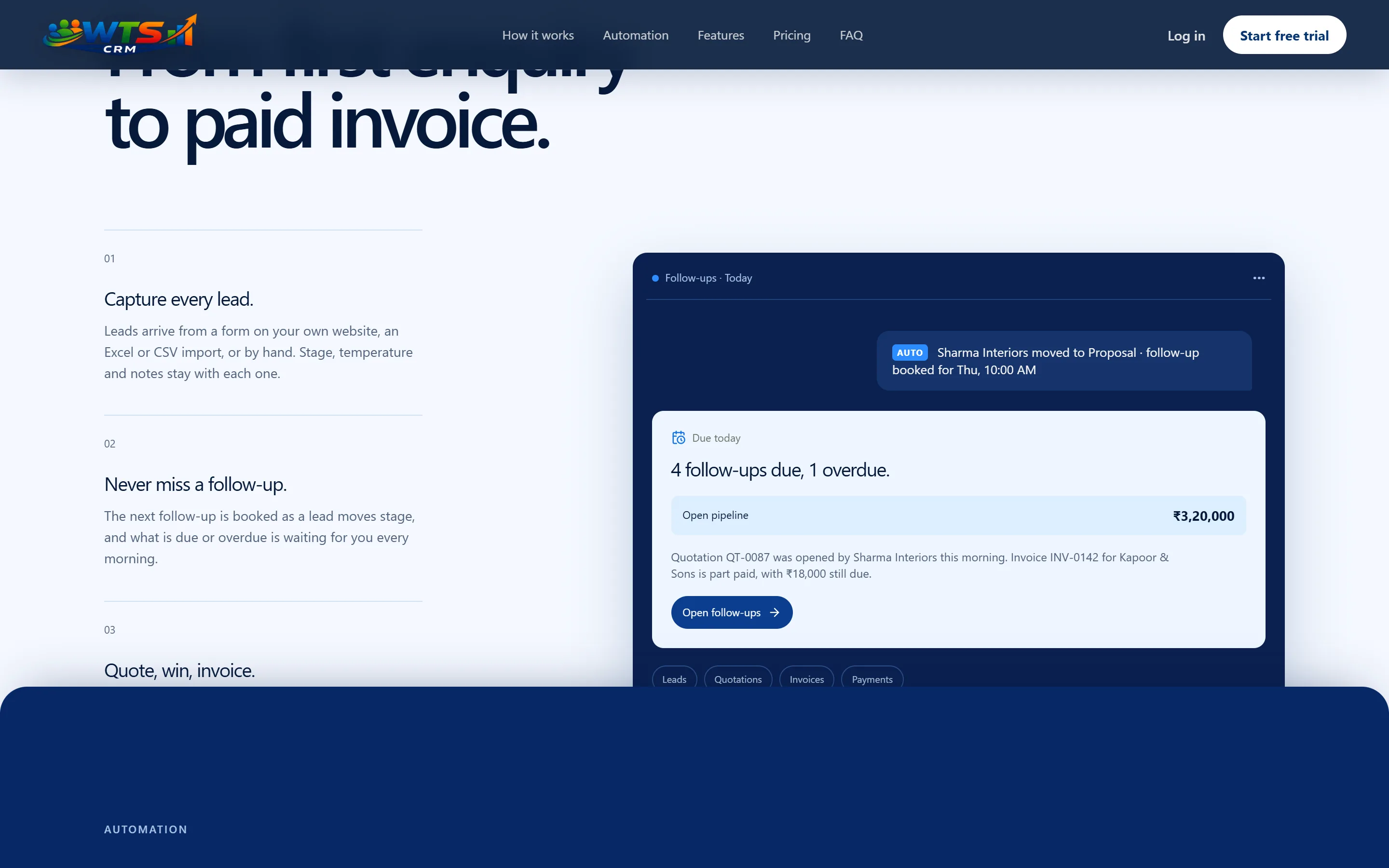
Due and overdue work appears on the dashboard and the calendar.
03 · Problem
Quotations, project work and invoices sit in separate tools.
03 · UX decision
An accepted quotation converts to an invoice, and projects keep their tasks, notes and invoices connected.
03 · Resulting experience
Full or partial payments are recorded against the invoice, with the remaining balance always visible.
Product surface
What the product covers
The modules below are live in the product. Some depend on the selected plan, and some integrations need separate setup.
- 01
Keep every lead in context
Store contact details, source, value, notes and activity together. Move leads through stages, mark them hot, warm or cold, and use filters and saved views to focus your day.
- 02
Capture and import enquiries
Add leads manually, import Excel or CSV files with a preview and duplicate checks, or capture enquiries from your website. Meta Lead Ads requires setup.
- 03
Plan follow-ups and calls
Schedule calls, messages, emails or meetings, record outcomes and book the next action. See due and overdue work on the dashboard and calendar.
- 04
Work with WhatsApp
Open a lead chat, use message templates, share a quotation or prepare an invoice reminder. You review and send each message in WhatsApp.
- 05
Send quotations
Build itemised, branded quotations with discounts, charges and applicable GST. Share a customer link, track views and decisions, then convert an accepted quote to an invoice.
- 06
Manage client projects
Track each project’s owner, service, status, budget and dates. Keep related tasks, notes, invoices and client context connected.
- 07
Invoice and track payments
Create branded GST invoices, record full or partial payments, and see the remaining balance. Prepare overdue reminders for WhatsApp.
- 08
Automate routine work
Use follow-up workflows and rules for assignments, tasks, tags, notes and notifications. Scheduled automation and email delivery require backend setup.
- 09
Work as a team
Invite teammates, assign records and manage work with owner, admin and member roles. Workspace data is separated at the database level.
- 10
See reports and export data
Review pipeline, conversions, sources and team activity. Billing plans also show revenue and receivables; export lists to CSV or account data to CSV or JSON.
Visual design
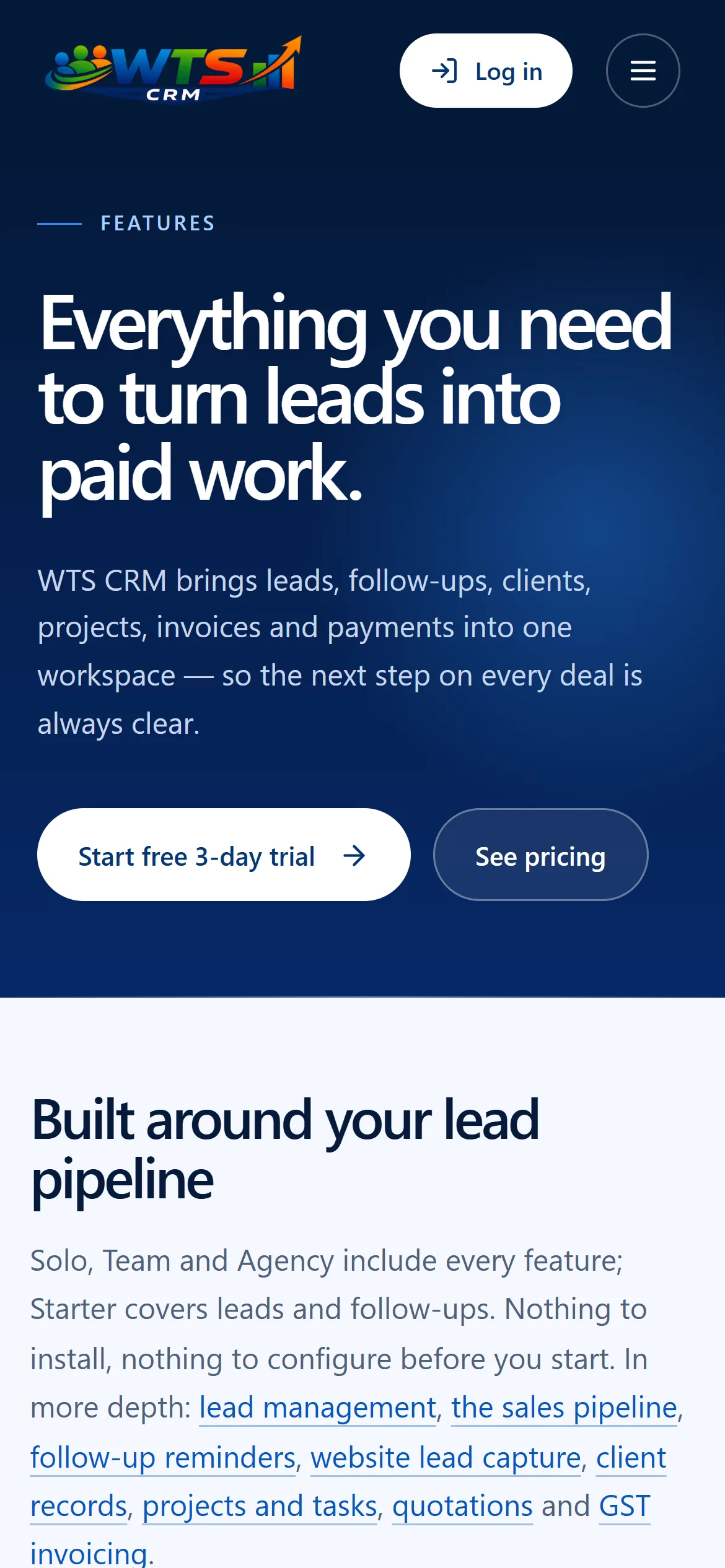
Key screens
Engineering
From design to production.
WTS CRM is designed, built and run by the same team. The application is built with Next.js and React, styled with CSS Modules.
Workspaces are private, with user accounts, roles and data separated at the database level. Subscriptions run on tiered plans with a free trial.
- Next.js
- React
- CSS Modules
Outcome
What was delivered
- 01A production SaaS, live at wtscrm.com
- 02One connected workflow from new enquiry to paid invoice
- 03Solo and team workspaces with owner, admin and member roles
- 04Tiered subscription plans with a free 3-day trial
Next Case Study
Mechverses
Industrial machinery, made easier to find.
View Case Study
Have an ambitious product to launch?